1 - Signing Up
- Invite Email: School administrators (principals, vice principals, student success teachers, and literacy leads) have school-wide access to Litguide and must assign teachers to a class before an invite is sent If you haven't received an invite, contact your school administrator.

-
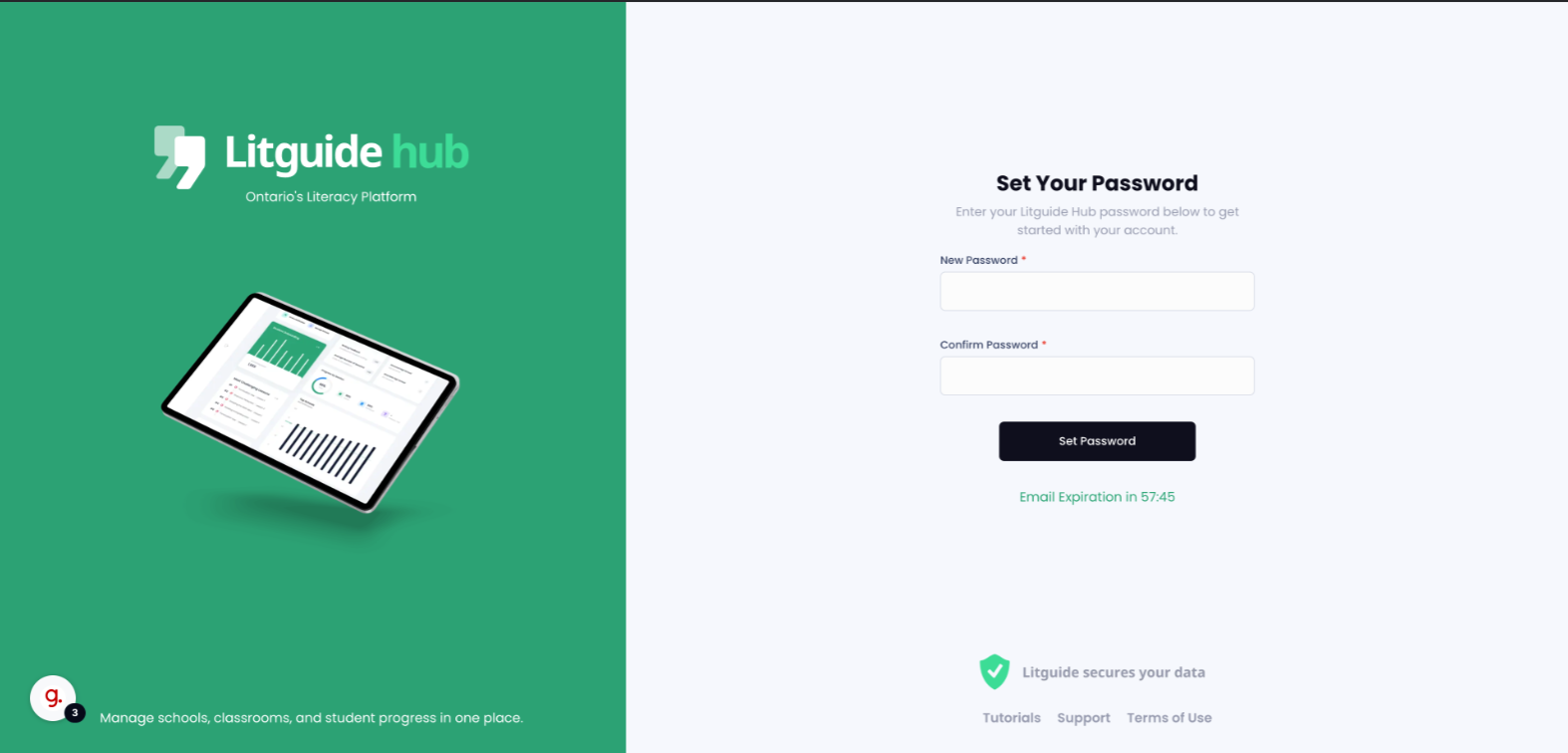
Setting Password: Click the "set your password" link in the invite email to create a password
The invite link expires after 50 minutes, but a new one can be sent by clicking "resend invite".
- Logging In: After setting the password, log in using your School board email and the newly created password.
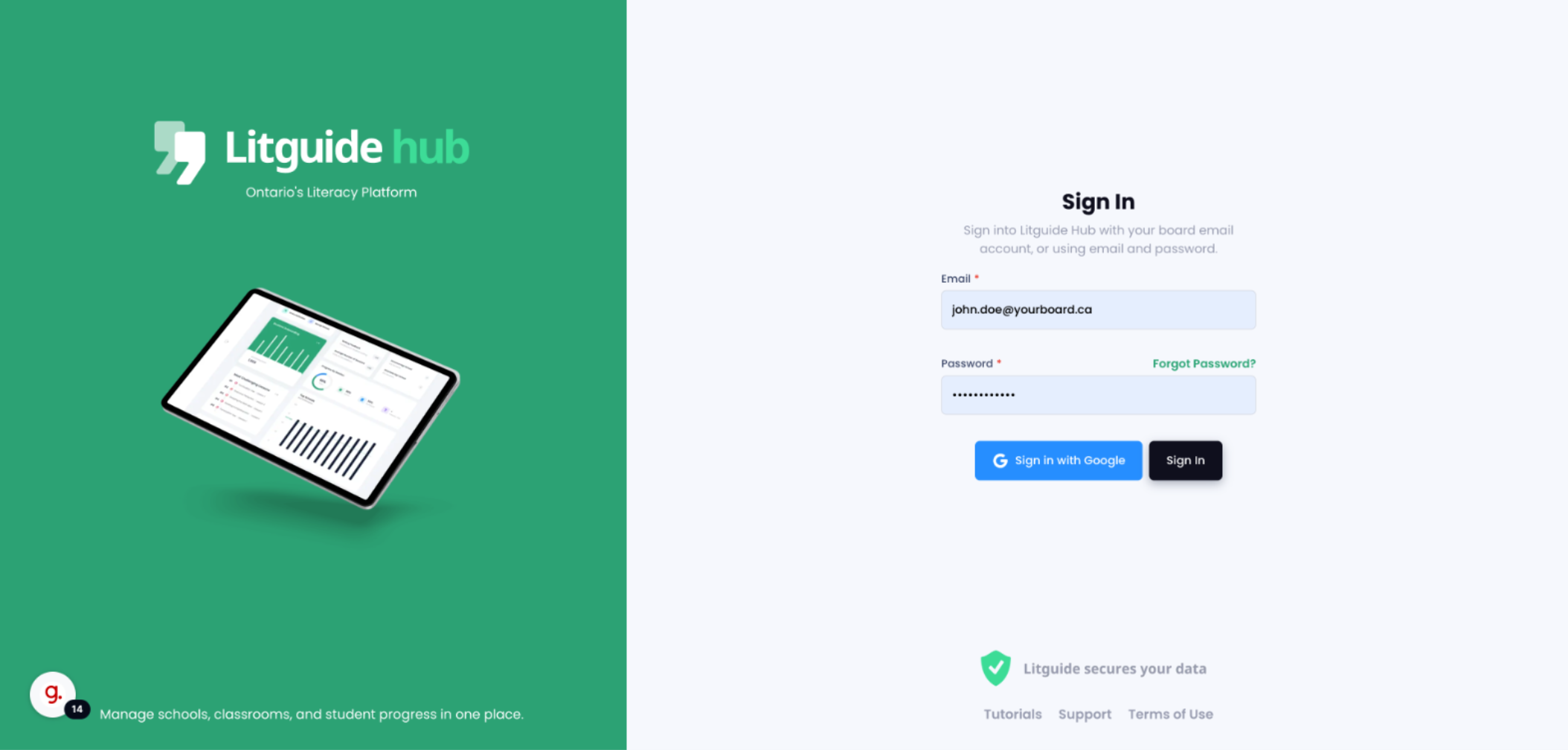
If your school board supports Google SSO, you can use that option for a secure, seamless login. If you're unsure, check with your school admin.