1 - Signing Up
- To get started, you need an invite email like the one on the screen. Only board administrators can assign you to a school.
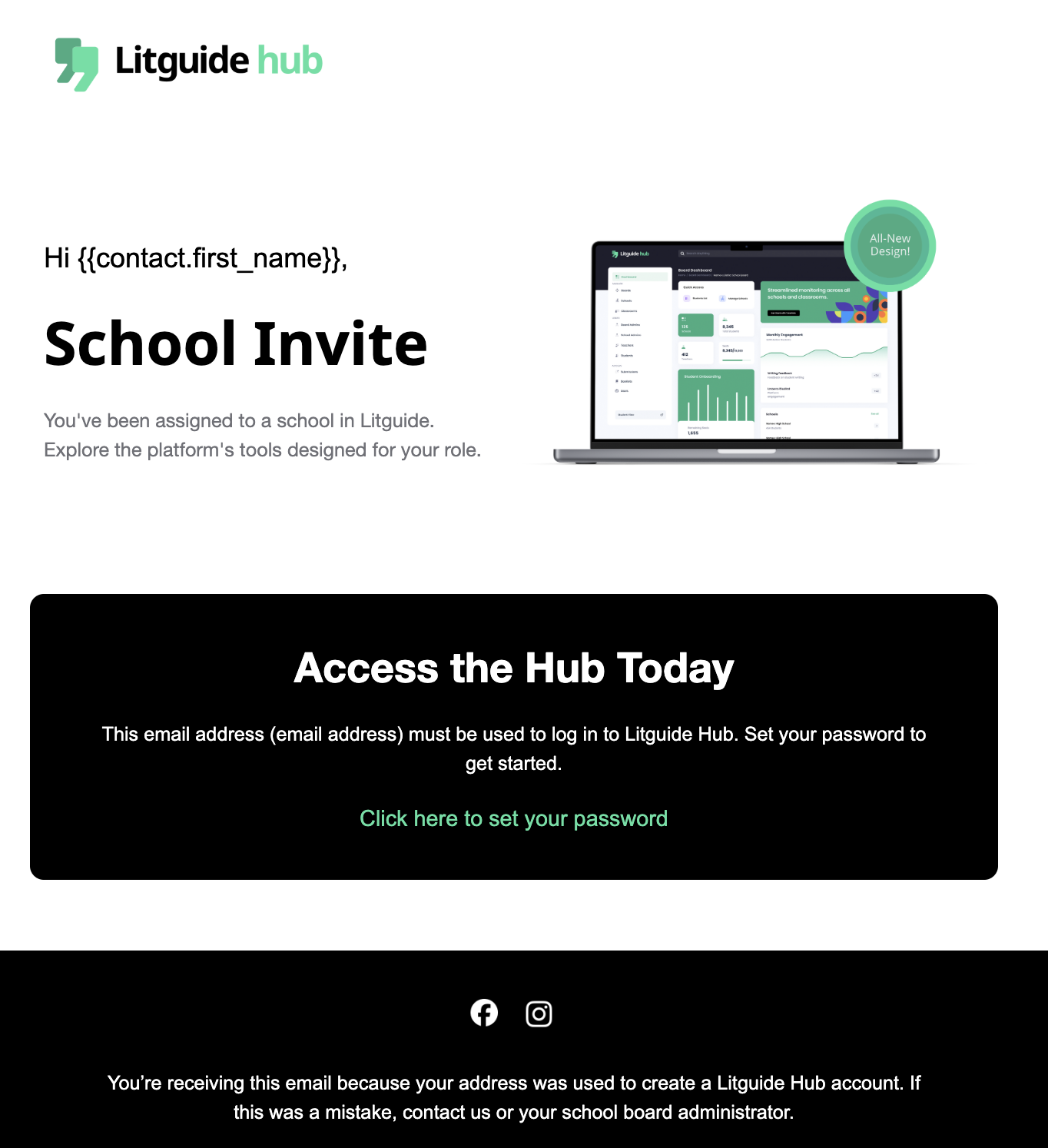
If you haven’t received an invite, contact your school administrator to confirm your assignment is set up.
- After clicking the link, you'll be redirected to the Litguide Hub sign-up screen. Enter and confirm your preferred password to proceed.
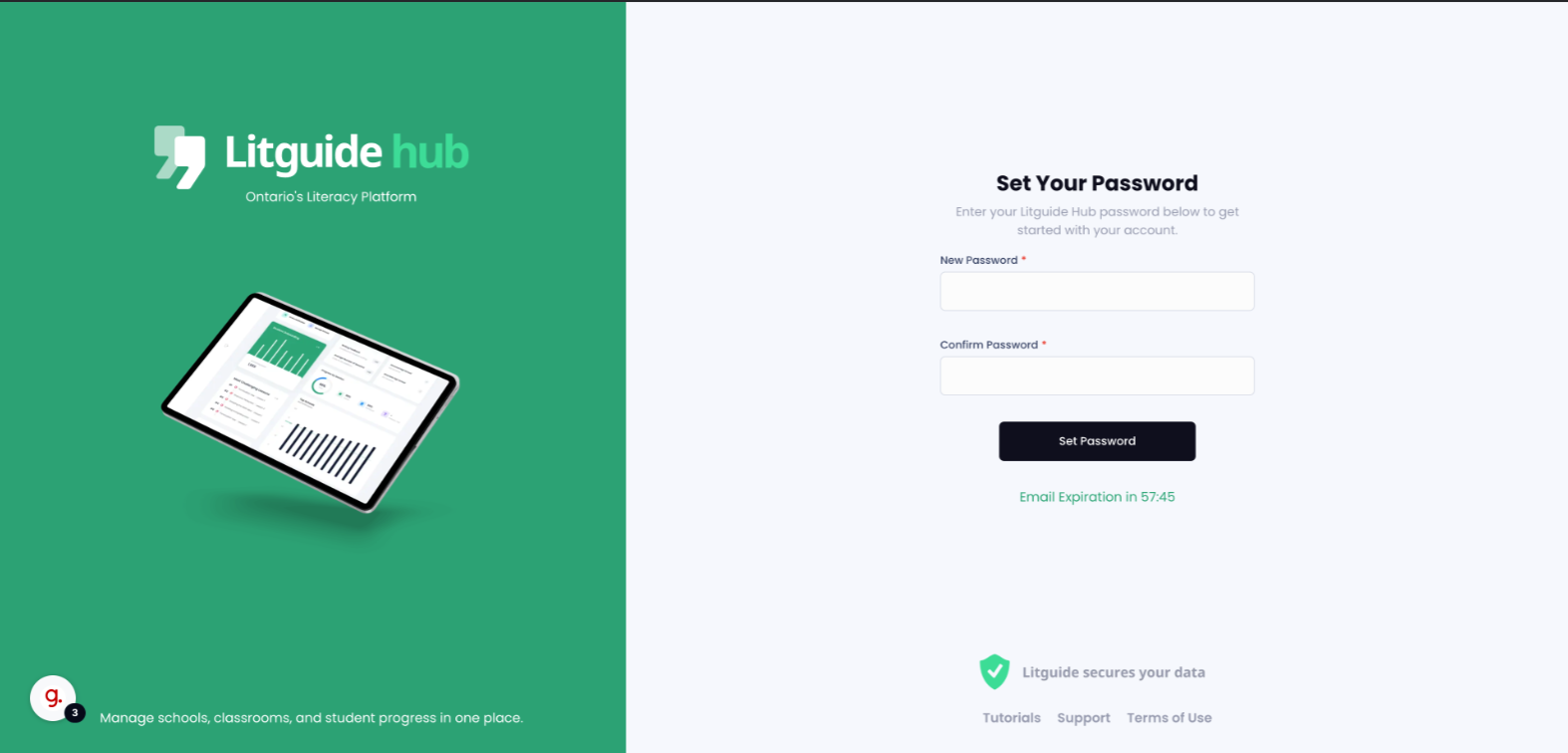
Invite links expire 50 minutes after being sent by your board admin. If yours expires, click "Resend Invite" to get a new one.
- After setting your password, you'll be redirected to the Litguide Hub login page. Log in using your school board email and the password you just created.
Once you've entered your credentials, click "Sign In" to access your account.
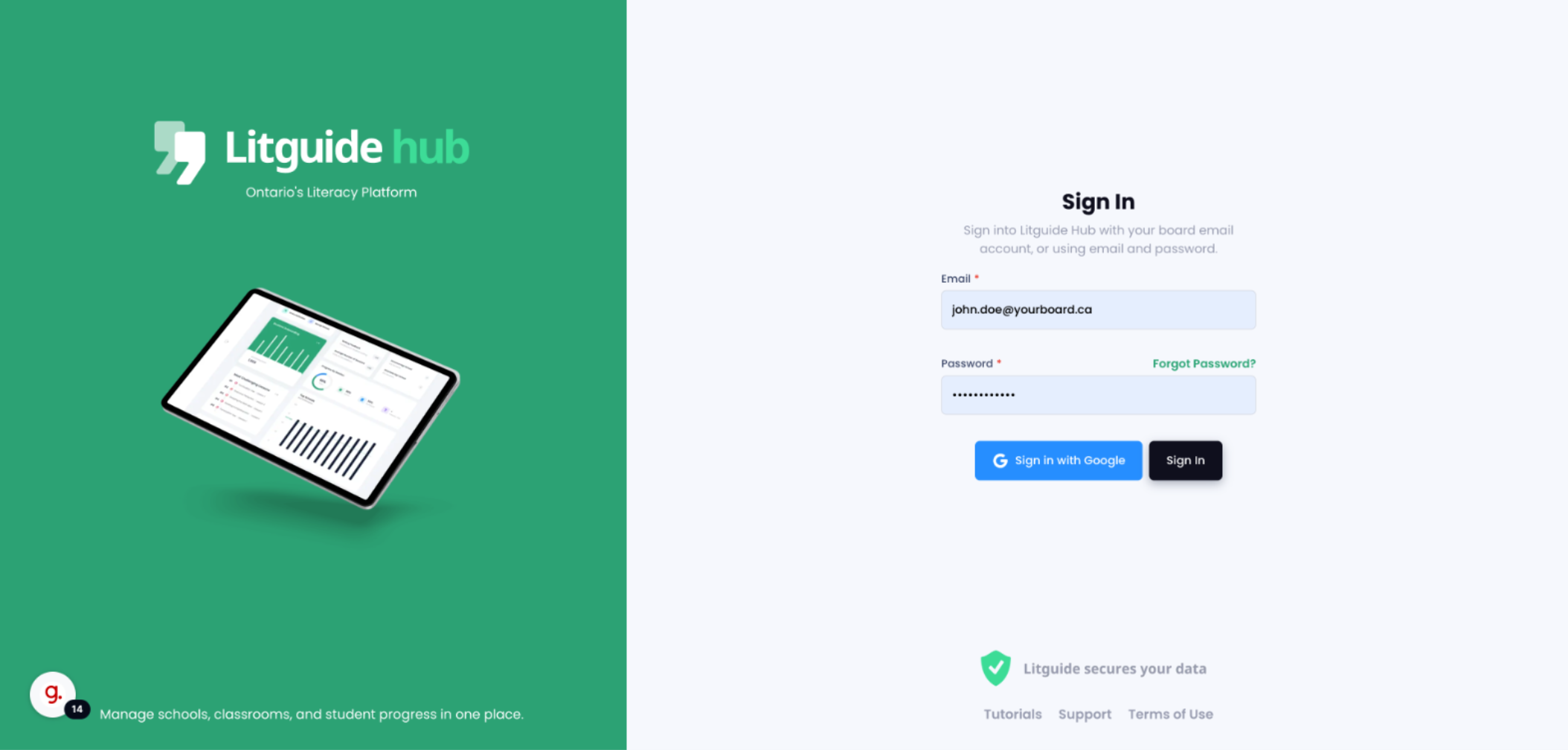
If your school board supports Google SSO, you can use that option for a secure, seamless login. If you're unsure, check with your board admin.